Transcribing a Podcast With MegaTranscript AI Speaker Diarization
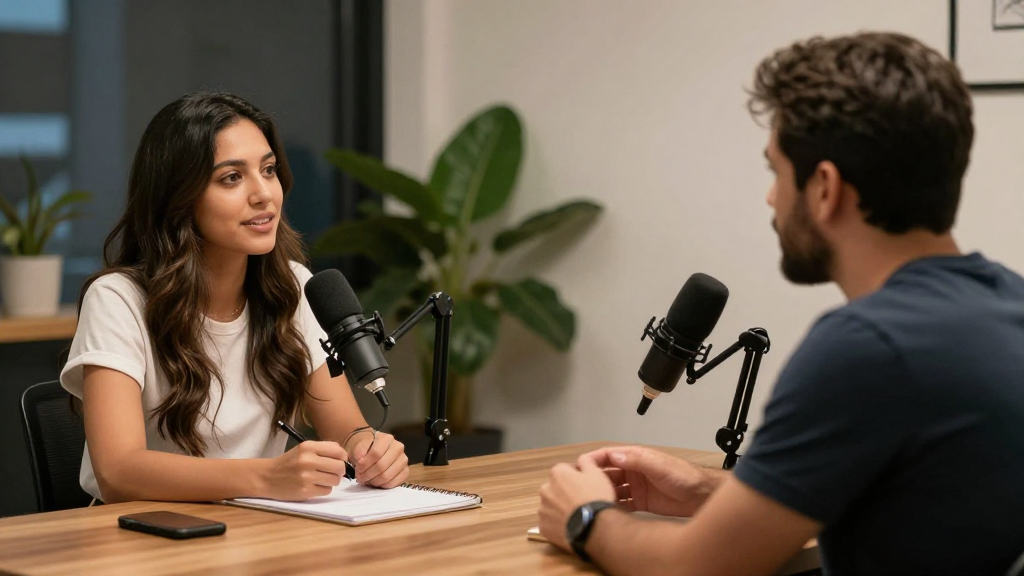
Today I used MegaTranscript AI speaker diarization to transcribe a real podcast episode, not a sample clip or a controlled test file, but an actual long-form conversation: Call Her Daddy, with Alex Cooper interviewing Andy Cohen.
I chose this recording on purpose. Podcasts like this are exactly where most transcription tools break down. Two strong voices, frequent back-and-forth, interruptions, laughter, overlapping sentences. It is the kind of audio that usually turns into a wall of text where you are left guessing who said what.
That is where AI speaker diarization stops being a buzzword and starts being the difference between a usable transcript and a useless one.
Uploading the Podcast Audio
The process started by uploading the podcast audio into MegaTranscript. There was no setup, no calibration, no speaker profiles to define. I did not label Alex Cooper. I did not label Andy Cohen. I simply uploaded the file and selected AI speaker diarization.
This matters more than it sounds.
Most people new to audio to text assume that separating speakers requires training the system first. In reality, MegaTranscript performs speaker diarization during transcription. The AI listens to the audio, detects changes in voice characteristics, and assigns speaker labels automatically as the transcript is generated.
That distinction is important, because it means the tool works on real-world content, not just clean studio recordings.
Watching Audio Turn Into Structured Text
As the transcription ran, the difference became obvious almost immediately.
Instead of one continuous paragraph, the transcript formed into clearly separated sections. Each speaker was labeled consistently. Alex Cooper’s questions appeared as one speaker. Andy Cohen’s responses appeared as another. When the conversation moved quickly, the transcript kept up. When the speakers interrupted each other, the separation still held.
This is the core value of AI speaker diarization.
Audio to text alone simply converts sound into words. AI speaker diarization converts conversations into structure.
Without diarization, a podcast transcript is hard to read and even harder to use. With diarization, the transcript becomes something you can actually work with.
Why This Matters for Podcast Transcription
Podcast transcription is not just about creating text. It is about making conversations usable after they are recorded.
With MegaTranscript, the Call Her Daddy episode became easy to scan. Quotes could be pulled without replaying the audio. Long segments could be reviewed without guessing who was speaking. The transcript felt like a written interview rather than a raw audio dump.
This is especially valuable for creators, editors, journalists, and researchers who work with spoken content every day. AI speaker diarization removes the friction that usually comes after recording.
Instead of listening again and again, the transcript itself becomes the reference point.
The Difference Between Transcription and Speaker Diarization
Using this podcast made the difference very clear.
Transcription answers the question:
“What words were said?”
Speaker diarization answers the question:
“Who said them?”
When both work together, the result is clarity.
In the Call Her Daddy transcription, this meant that the rhythm of the conversation was preserved. You could see the flow of the interview. You could follow the exchange without needing the audio playing in the background.
That is the moment when audio to text stops being passive documentation and becomes an active tool.
No Manual Cleanup Required
One of the most surprising parts of the process was what did not happen.
There was no manual tagging afterward. No editing speakers. No fixing mislabeled sections. The transcript was ready to use as soon as it finished processing.
For anyone who has ever spent hours cleaning up interview transcripts, this is where the real time savings appear.
AI speaker diarization removes a step that most people assume is unavoidable.
Where MegaTranscript Fits In
MegaTranscript handled the entire workflow: audio upload, AI transcription, and speaker diarization in one pass. The result was a clean, readable transcript of a multi-speaker podcast episode.
The tool is available on MegaTranscript.com, as well as on Google Play and the Apple App Store, and it is free to start. But the real takeaway from today was not the availability. It was the experience.
The transcript felt intentional. Structured. Human-readable.
Final Thoughts
Using MegaTranscript to transcribe the Call Her Daddy episode made one thing clear: AI speaker diarization is not an advanced feature reserved for specialists. It is a foundational requirement for modern audio to text.
Podcasts, interviews, meetings, and calls are conversations. Conversations involve people. When transcripts respect that structure, they become useful.
Today’s transcription was not just accurate. It was usable. And that is the difference that actually matters.